Campaign guidance
How the AI newsletter generator fits your workflow
Start with the editorial decisions that make each issue useful, then use Emailgic to create, refine, and hand off a reusable newsletter template.
Before you generate
Give the generator a reusable editorial brief
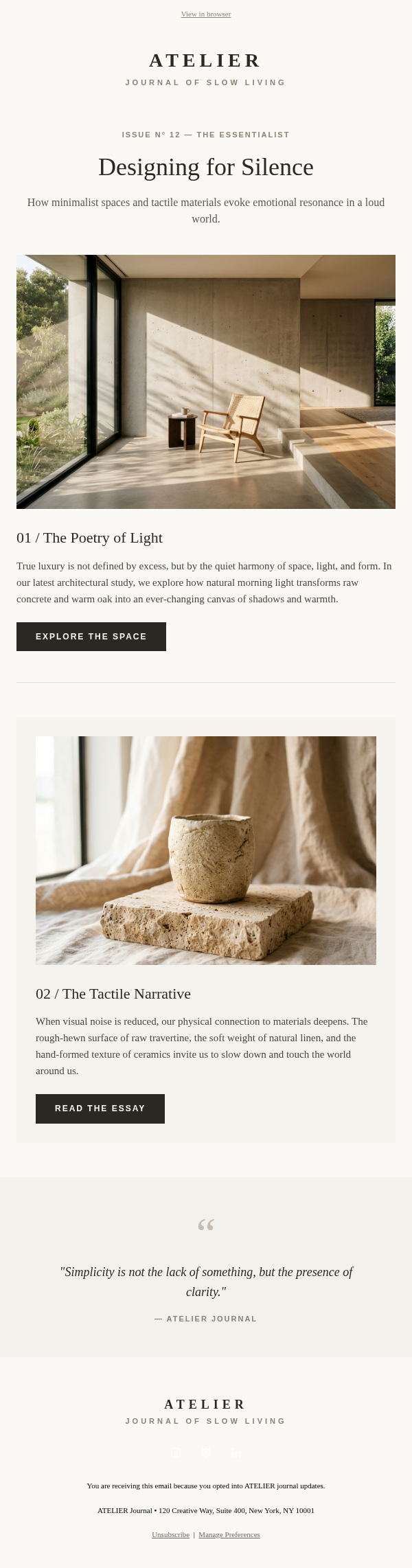
A useful newsletter template starts from repeatable editorial decisions, not decoration. Give Emailgic the audience, cadence, section order, and one primary reader action.
- Lead story, secondary updates, links, and CTA priority
- How much copy each section should carry on mobile
- Which sections should stay reusable across future sends
Emailgic workflow
Build the newsletter, not just the copy
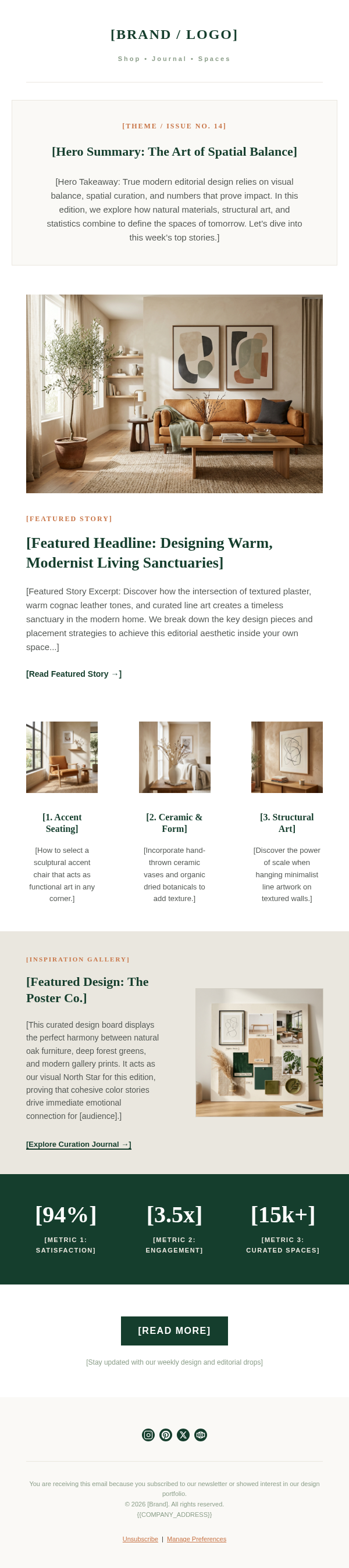
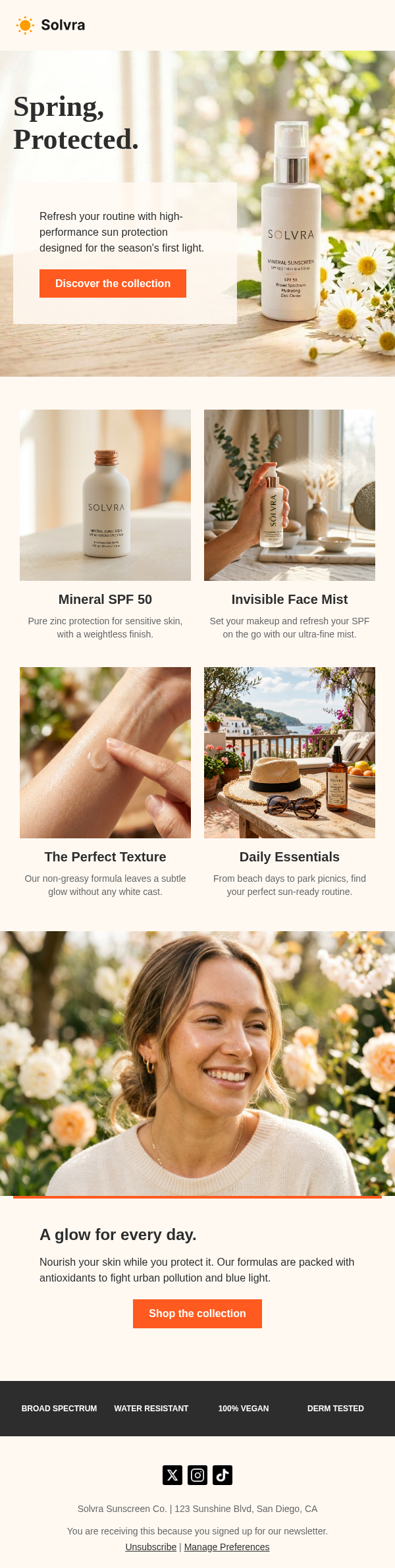
Emailgic creates the section hierarchy, copy, visual direction, and responsive layout together. Keep the result on brand, refine it through conversation, and export it for production review.
- Create or reuse a Brand Profile from your website, colors, fonts, logo, and voice
- Ask for changes to section order, copy length, imagery, or visual direction in chat
- Export responsive HTML or use a supported handoff for final review in your ESP
Before you send
Keep sending and automation in your ESP
Emailgic creates the newsletter template. Your ESP continues to manage audiences, personalization fields, automation, scheduling, testing, and delivery.
- Conservative width and fallback-safe spacing for Outlook-heavy lists
- Reusable content blocks for Mailchimp campaign assembly
- Preview text, image fallback, and CTA checks before the first send