Campaign guidance
What makes a strong welcome email
Anchor the message in the signup moment, then review whether the draft helps the reader take one useful first step.
Campaign brief
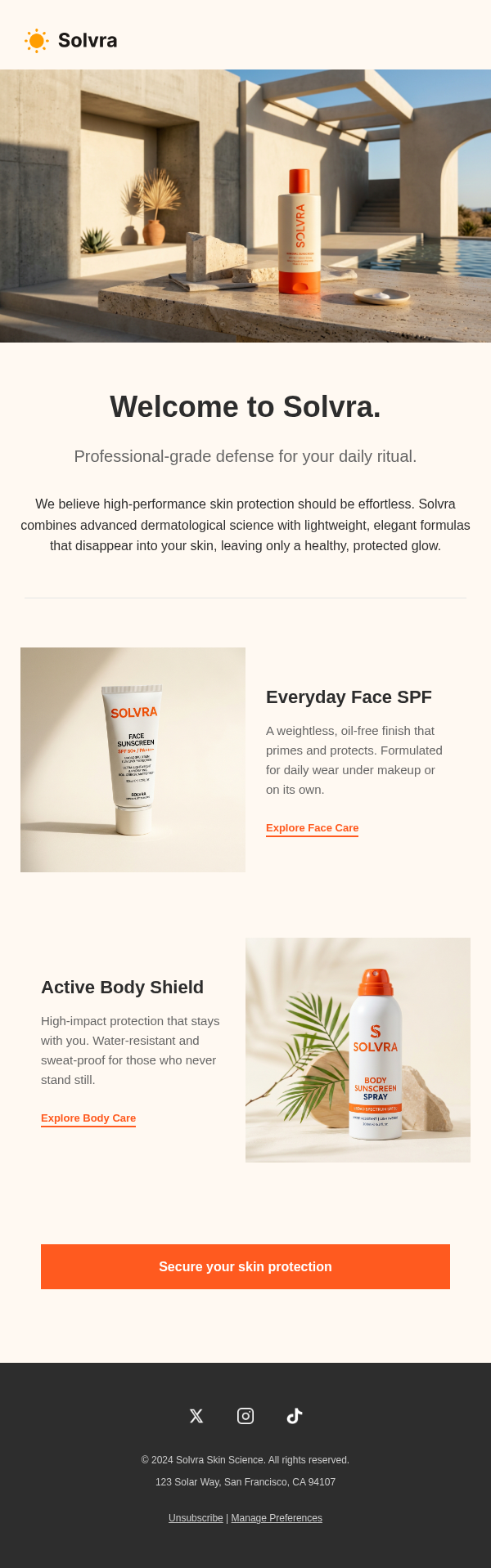
Create a welcome email template for the signup moment
Start from the signup context before choosing layout or copy. A welcome email template should match why someone joined, the promised value, brand tone, and the first action that would make the relationship useful.
- What the subscriber, customer, or new user just signed up for or purchased
- The first activation step you want them to take
- What expectations to set for future emails or product use
- Whether this is a single welcome email or the first node in a welcome sequence
Before you send
Keep the welcome template focused and reusable
Welcome emails lose clarity when they introduce every feature at once. Review the draft for one dominant action, a reusable section order, and a tone that fits the signup moment.
- Make sure the CTA is visible without scrolling
- Remove feature lists that do not support first activation
- Confirm the subject line and preview text match the welcome promise
- Avoid employee-onboarding language unless the campaign is truly internal HR