Campaign guidance
What makes a strong product launch email
Shape the launch angle, proof, and campaign role before asking the generator for layout and copy.
Launch planning
Give each launch email a separate job
Choose whether this is one launch email or a launch sequence. A single product launch email should announce the offer clearly, while a launch sequence should separate teaser, announcement, proof, objection handling, and final-call jobs so each email earns its place.
- Use one email when the audience already understands the product and only needs the launch action
- Use a sequence when examples, proof, use cases, and final-call urgency need separate messages
- Keep the create page focused on the launch email while linking sequence planning to the campaign flow page
Launch examples
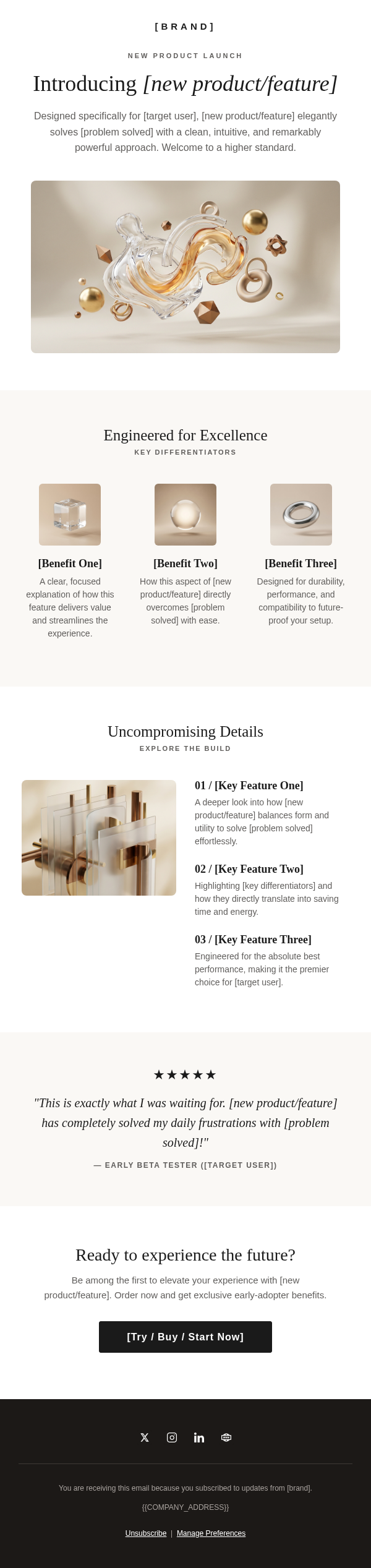
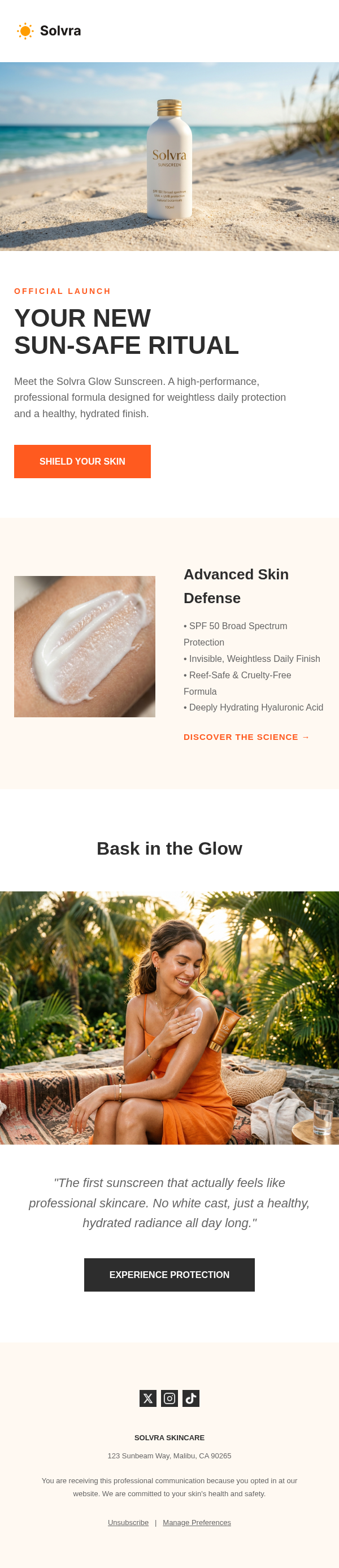
Turn the product launch brief into samples, subject lines, and proof blocks
Searchers for product launch email examples need concrete samples, not only a blank generator. Review the launch angle, subject line, preview text, CTA, and proof block before exporting the HTML.
- Sample subject lines: announce the launch, show the benefit, or frame a limited first window
- Preview text should explain who the launch is for and why now
- Proof blocks can use use cases, early customer reactions, product images, or a concise comparison
- CTA patterns should stay consistent: join waitlist, shop the launch, try the feature, or book a demo
Audience fit
Match the launch example to buyer awareness
A feature announcement, beta invite, limited ecommerce drop, and major release need different pacing. Start from the example that matches how much the audience already knows.
- Existing customers usually need activation and use-case clarity
- Prospects need context, proof, and a stronger value frame
- Warm buyers can handle a shorter launch email than cold or mixed segments