ATELIER — Minimalist Editorial Newsletter
By Emailgic community
Summary
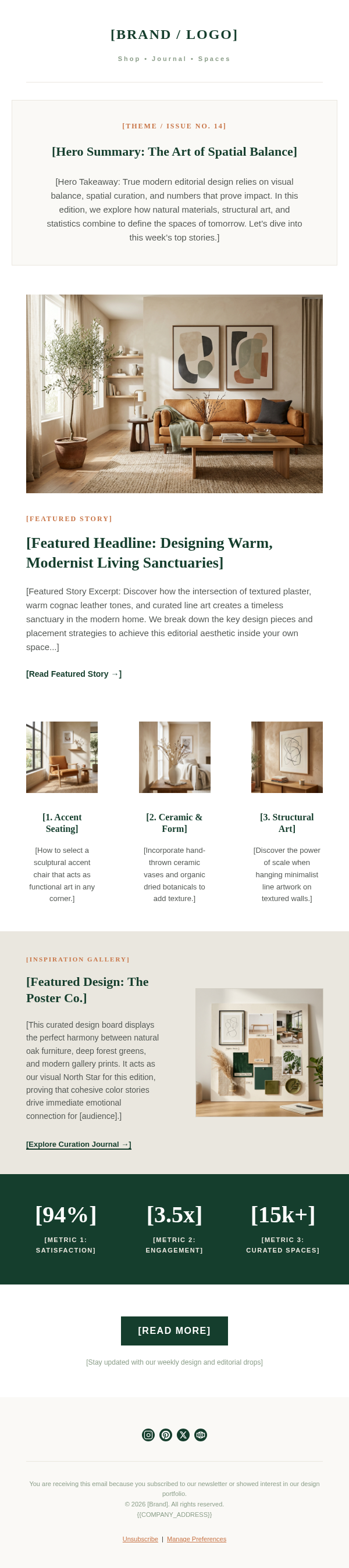
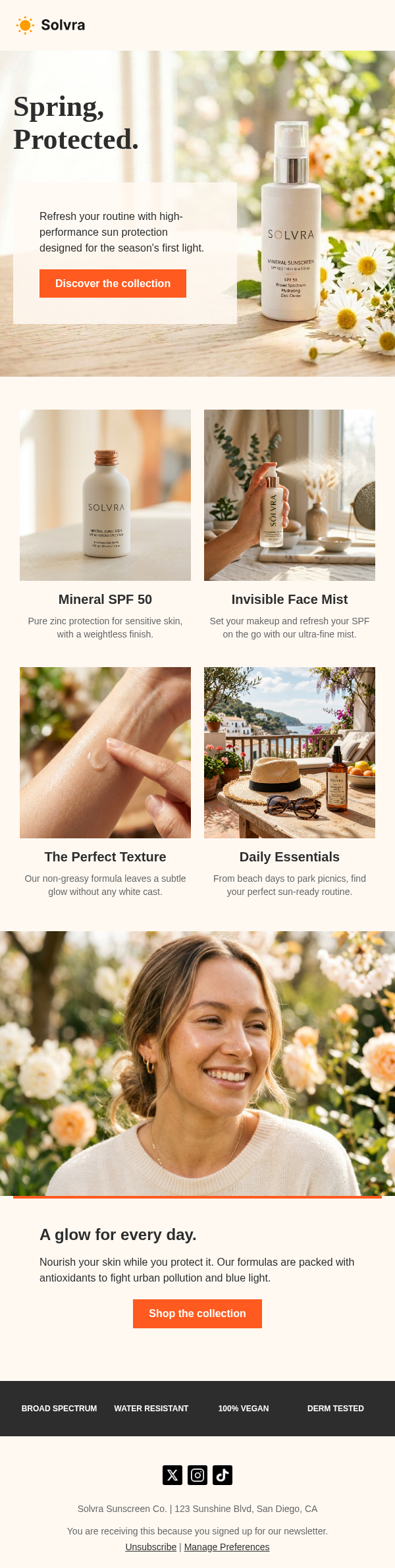
A minimalist newsletter template for architecture, interiors, and slow-living brands that pairs warm neutrals, serif typography, tactile imagery, and two focused editorial stories.
Best for
- Architecture and interior design studios
- Independent design and culture publications
- Slow-living and wellness brands
- Boutique furniture
- ceramics
- and homeware businesses
- Founders publishing thoughtful
- image-led updates
Key takeaways
- Limit the type system to one expressive serif and one functional sans serif.
- Use a small issue label and a concise headline to establish hierarchy before the hero image.
- Number recurring stories so readers can scan the issue without making it feel like a product grid.
- Place the secondary story on a subtly tinted panel to create separation without adding visual noise.
- Pair sensory copy with specific CTAs such as “Explore the Space” or “Read the Essay.”
- Review links
- accessibility
- legal copy
- rendering
- and destination-ESP variables before activation.
Use cases
- Monthly editorial issue
- Architecture or interior project feature
- Material or craft story
- Design journal digest
- Brand essay with supporting articles
- Curated lifestyle newsletter
This minimalist newsletter template is designed for architecture, interiors, craft, and slow-living stories. It opens with a compact brand masthead and issue label, then moves into a centered headline, short introduction, and large editorial image.
Warm ivory backgrounds, charcoal text, serif headings, and restrained letter spacing create a quiet magazine-like tone. Two numbered feature blocks give the issue a clear reading order. The first story uses an edge-to-edge image and direct CTA, while the second sits inside a softly tinted panel. A pull quote slows the pace before the social links and compliance footer.
Use this showcase as a reference when preparing an Emailgic campaign brief. Emailgic can turn the brief into a responsive HTML email with copy direction, visual hierarchy, subject-line direction, and preview text. Review and edit the generated asset, then download the HTML or export a campaign setup package. Configure account-specific variables, links, triggers, and settings in the destination ESP, and complete final brand, legal, accessibility, and rendering checks before activation.