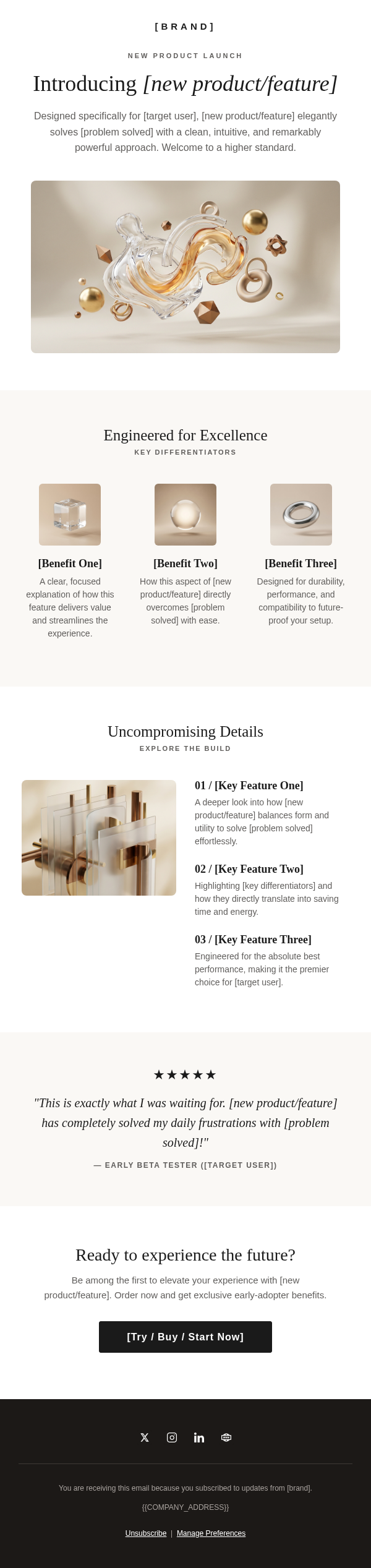
Solvra Sunscreen Product Launch Email
By Emailgic community
Summary
This sunscreen product launch email example reveals a new SPF with a full-width hero, concise benefit copy, scannable formula callouts, and staged shop CTAs. It works as a layout reference for skincare launches, provided every product claim and testimonial is verified before sending.
Best for
- Skincare teams announcing a new sunscreen or daily SPF to an opted-in audience
- DTC beauty brands that need a focused
- single-product reveal
- Founders preparing a launch announcement for a waitlist or customer list
- Email marketers seeking a visual sunscreen launch example rather than a complete launch sequence
Key takeaways
- Let the subject line introduce the campaign idea while the preview text identifies the product and its main promise.
- Place the product name
- short explanation
- and first purchase CTA together so the offer is understandable without reading the full email.
- Limit the feature block to a few scannable claims and substantiate each formula
- efficacy
- environmental
- and ethical statement before launch.
- Use the repeated shop CTA as an early and late path to the same offer; do not treat repetition as proof of higher conversion.
- Replace the testimonial-style quotation with a verified
- permissioned customer statement or remove the proof block.
- Test the branded “Shield Your Skin” CTA against a direct label such as “Shop Solvra Glow” when purchase clarity is the priority.
Use cases
- Announcing that a new sunscreen is available to purchase
- Following up with subscribers who joined a product waitlist
- Reintroducing a sun-care product during a seasonal campaign
- Supporting a coordinated product-page
- PR
- or creator launch after inventory
- links
- and claims are checked
This sunscreen product launch email is a single-example reference for skincare brands introducing a daily SPF. It combines a product reveal, a short explanation of the formula positioning, a scannable claim block, lifestyle imagery, and several paths to the product page. It is most useful for marketers who want to study the structure of one launch message rather than browse a broad template gallery or plan a complete launch sequence.
The subject line introduces the idea of a new sun-safe ritual, while the preview text identifies Solvra Glow Sunscreen and summarizes the sample SPF, hydration, and finish claims. That division gives the subject a distinct campaign angle without making the preview repeat it. The email then moves from an official-launch label and large headline to a brief product introduction and the first shop CTA.
Visually, a white header and content area sit against a warm cream background, with coral orange reserved for the launch label, links, and primary button. A full-width beach image establishes the sun-care setting. Farther down, a texture image sits beside four short formula callouts, making the product section easy to scan. A separate “Discover the Science” link gives claim-conscious readers a route to supporting details.
The two main buttons lead to the same shop page: one appears immediately after the reveal, and the other follows the lifestyle image and proof block. This creates an early and late purchase path without introducing a second offer. If the goal is immediate purchase clarity, compare the branded CTA language with a direct product-specific label.
Before adapting the layout, verify every SPF, broad-spectrum, reef-safe, cruelty-free, finish, and ingredient statement against approved product documentation. The testimonial-style quotation also needs evidence, permission, and accurate attribution. Check the final destination URLs, image descriptions, mobile rendering, postal information, unsubscribe link, preference link, and any legal copy before sending.
Emailgic can turn a campaign brief into a responsive HTML email with subject-line direction, preview text, campaign structure, copy direction, and visual hierarchy. Review and edit the generated asset before downloading the HTML or exporting the campaign setup package. For a Klaviyo handoff, treat the platform label as workflow or export fit rather than proof of direct integration; connect the correct variables, segments, triggers, and account settings during final ESP setup. Emailgic does not automatically send or activate the campaign.